Funcaptcha 图片
概述
FunCaptcha(也称为 Arkose Labs Captcha)是一种交互式验证码类型,要求用户执行旋转图片、拖放对象等操作来解决挑战。它被许多大型网站使用,如 Roblox、Epic Games、Outlook 等。
🎮
FunCaptcha 旨在通过交互式小游戏来防止机器人,同时为用户创造"有趣"的体验。
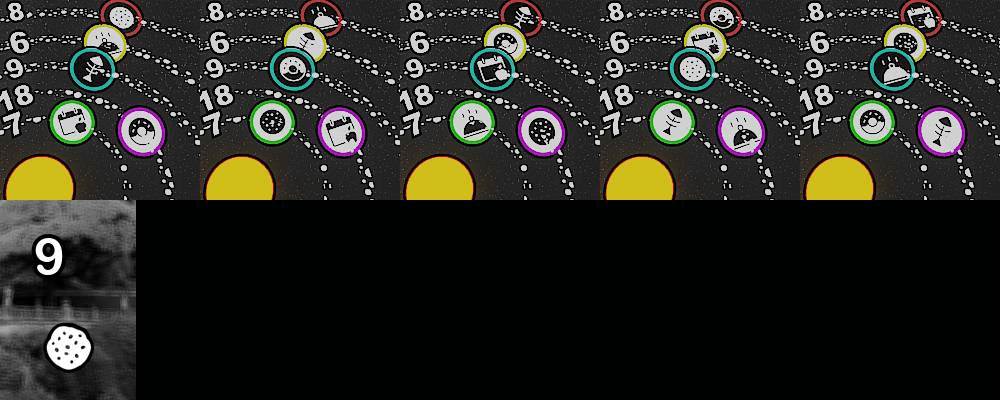
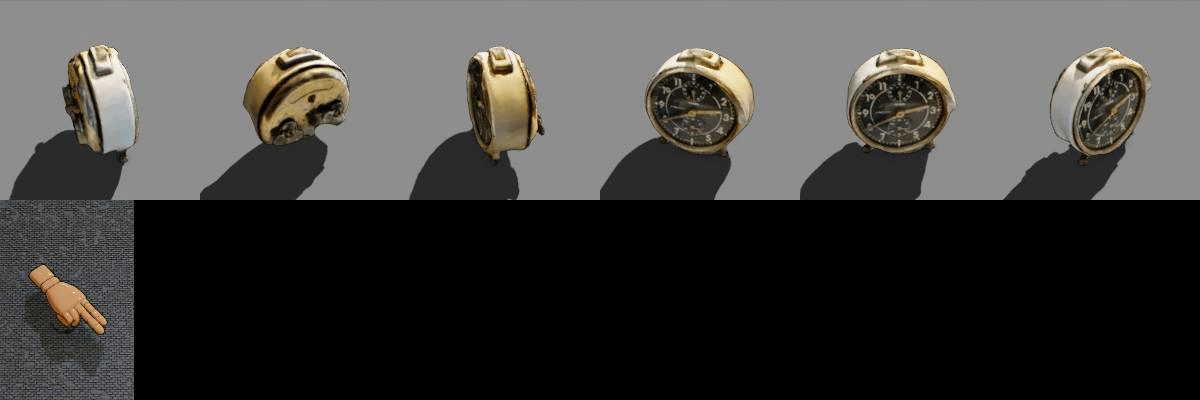
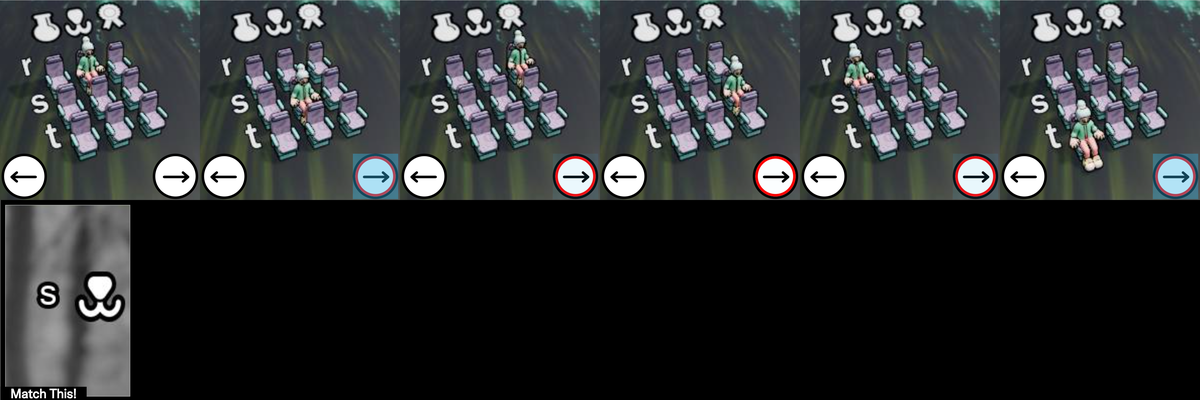
1. 创建任务
请求
POST https://api.achicaptcha.com/createTask
参数
| 参数名称 | 数据类型 | 是否必需 | 描述 |
|---|---|---|---|
clientKey | string | 是 | API密钥 |
task.type | string | 是 | FuncaptchaImageTask |
task.subType | string | 是 | 值等于 1 |
task.image | string | 是 | 图片的Base64编码 |
task.other | string | 是 | 问题 示例:"Use the arrows to rotate the object to face in the direction of the hand" |
请求示例
POST /createTask HTTP/1.1
Host: api.achicaptcha.com
Content-Type: application/json

{
  "clientKey": "YOUR_API_KEY",
  "task": {
    "type": "FuncaptchaImageTask",
    "subType": "1",
    "image": "/9j/4AAQSkZJRgABAQAAAQABAAD/2wBD...",
    "other": "Use the arrows to rotate the object to face in the direction of the hand"
  }
}
响应
成功时,服务器返回 errorId = 0 和 taskId
{
  "errorId": 0,
  "taskId": "f2fc70d6-c76b-4fba-9480-205ac1fe9fb9"
}
2. 获取结果
请求
POST https://api.achicaptcha.com/getTaskResult
参数
| 参数名称 | 数据类型 | 是否必需 | 描述 |
|---|---|---|---|
clientKey | string | 是 | API密钥 |
taskId | string | 是 | 从(1)获取的TaskId |
请求示例
POST /getTaskResult HTTP/1.1
Host: api.achicaptcha.com
Content-Type: application/json

{
  "clientKey": "YOUR_API_KEY",
  "taskId": "f2fc70d6-c76b-4fba-9480-205ac1fe9fb9"
}
响应
{
  "errorId": 0,
  "status": "ready",
  "solution": "1" // 要点击的图片索引(从0开始)
}
状态说明
errorId = 0且status = ready:成功解决,在solution.answer中读取结果(图片索引数组)errorId = 0且status = processing:正在解决验证码,等待2秒后重试errorId > 0:系统错误,返回错误代码和错误描述
集成示例
import requests
import time

def solve_funcaptcha_image(image_base64, question, api_key='YOUR_API_KEY'):
    # 步骤1:创建任务
    create_task_url = 'https://api.achicaptcha.com/createTask'
    create_task_payload = {
        'clientKey': api_key,
        'task': {
            'type': 'FuncaptchaImageTask',
            'subType': '1',
            'image': image_base64,
            'other': question
        }
    }

    response = requests.post(create_task_url, json=create_task_payload)
    result = response.json()

    if result['errorId'] != 0:
        raise Exception(result['errorDescription'])

    task_id = result['taskId']

    # 步骤2:获取结果
    get_result_url = 'https://api.achicaptcha.com/getTaskResult'

    while True:
        time.sleep(2)  # 等待2秒

        get_result_payload = {
            'clientKey': api_key,
            'taskId': task_id
        }

        response = requests.post(get_result_url, json=get_result_payload)
        result = response.json()

        if result['errorId'] != 0:
            raise Exception(result['errorDescription'])

        if result['status'] == 'ready':
            return result['solution']

        # 如果 status == 'processing',继续循环

# 使用方法
image_base64 = '/9j/4AAQSkZJRgABAQAAAQABAAD/2wBD...'  # 图片的Base64编码
question = 'Use the arrows to rotate the object to face in the direction of the hand'
solution = solve_funcaptcha_image(image_base64, question, 'YOUR_API_KEY')
print('FunCaptcha解决方案:', solution)
常见错误代码
| 错误代码 | 描述 | 备注 |
|---|---|---|
| 0 | 成功 | 成功 |
| 1 | 处理中 | 处理中 |
| 2 | 缺少必填字段 | 缺少必填字段,请再次检查参数 |
| 3 | 不支持的任务 | 不支持的任务类型 |
| 4 | 任务创建失败 | 任务创建失败 |
| 5 | 客户端密钥不存在 | API密钥不存在,请再次检查API密钥 |
| 6 | 账户余额不足 | 账户余额不足,请充值 |
| 7 | 任务失败,请创建新任务 | 任务失败,请创建新任务 |
| 8 | 任务ID不存在 | 任务ID不存在 |
最佳实践
为了在使用Achicaptcha API处理FunCaptcha图片时获得最佳结果,请遵循以下原则:
1. Base64图片处理
- 只接受单张图片。对于手机用户,在发送前合并为一张大图片
- 确保图片正确编码为Base64格式
- 如果存在,删除前缀
data:image/...;base64, - 检查图片大小是否合理(不要太大)
2. 问题
- 提供FunCaptcha挑战的确切问题
- 问题帮助系统更好地理解挑战类型
- 示例:"Use the arrows to rotate the object to face in the direction of the hand"
3. 轮询间隔
- 在结果检查之间至少等待2秒
- 不要用过多连续请求轰炸API
- 设置超时以避免无限循环(建议图片任务60秒)
4. 结果处理
- 返回的结果是单个数字(索引从0开始)
- 使用此结果提交到FunCaptcha
5. 重试逻辑
- 对临时错误(如
ERROR_NO_SLOT_AVAILABLE)实施重试 - 重试时使用指数退避
- 限制最大重试次数
6. API密钥安全
- 不要在代码中硬编码API密钥
- 使用环境变量
- 不要在客户端暴露API密钥
有用的链接: